WIDGETS
Your app, one tap away.
A Sanduq widget is a door, nothing more: the app's icon and name. Tap it and the app opens full screen.
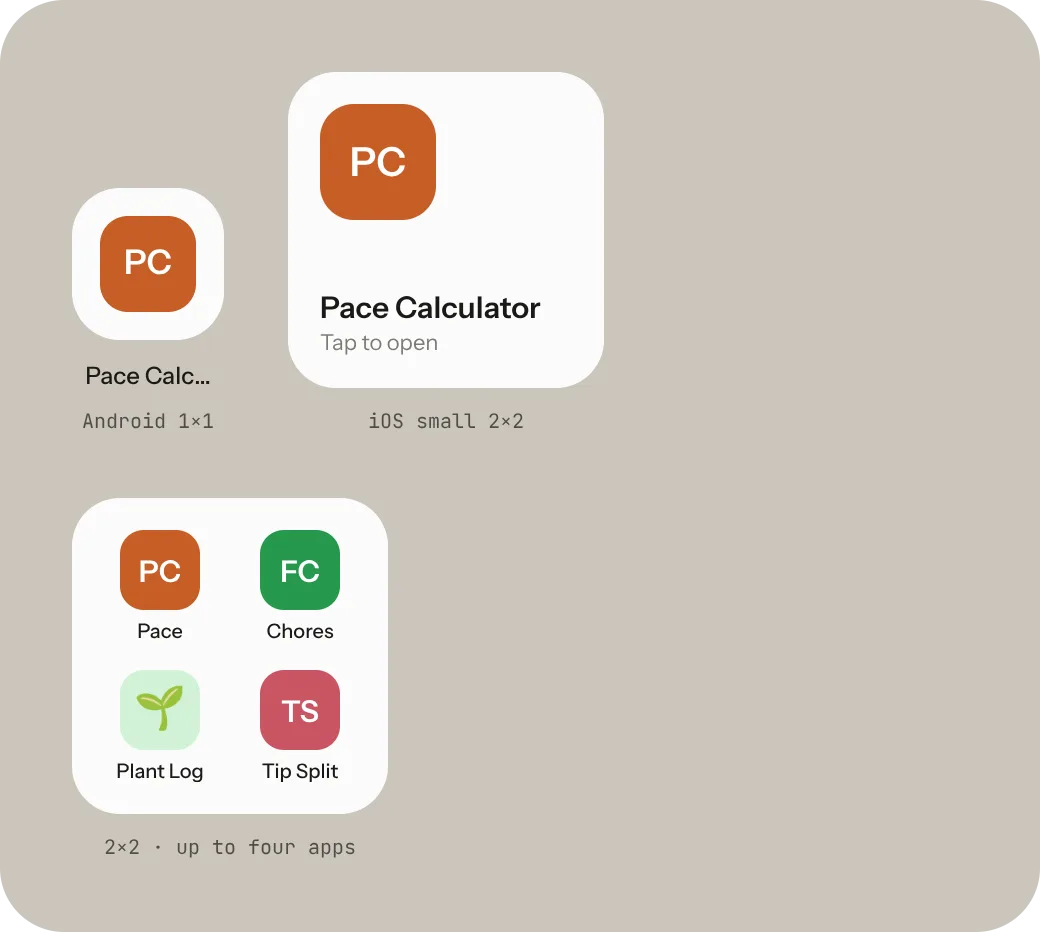
ANDROID 1×1
Single app
The smallest door. Just the icon and its name.
iOS SMALL 2×2 · COMING TO IPHONE
Single app, bigger
A larger icon with the name underneath. Tap anywhere to open.
2×2 · UP TO FOUR
Four favourites
Four apps in one square on Android. On iPhone, when it arrives, this one uses the medium size.
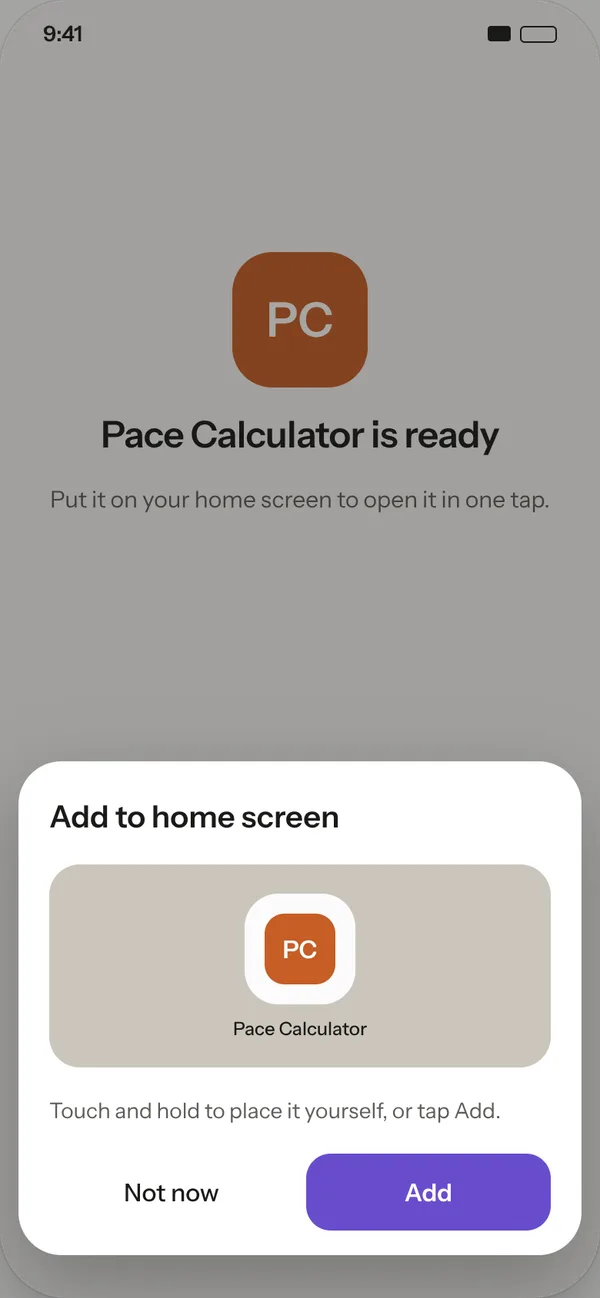
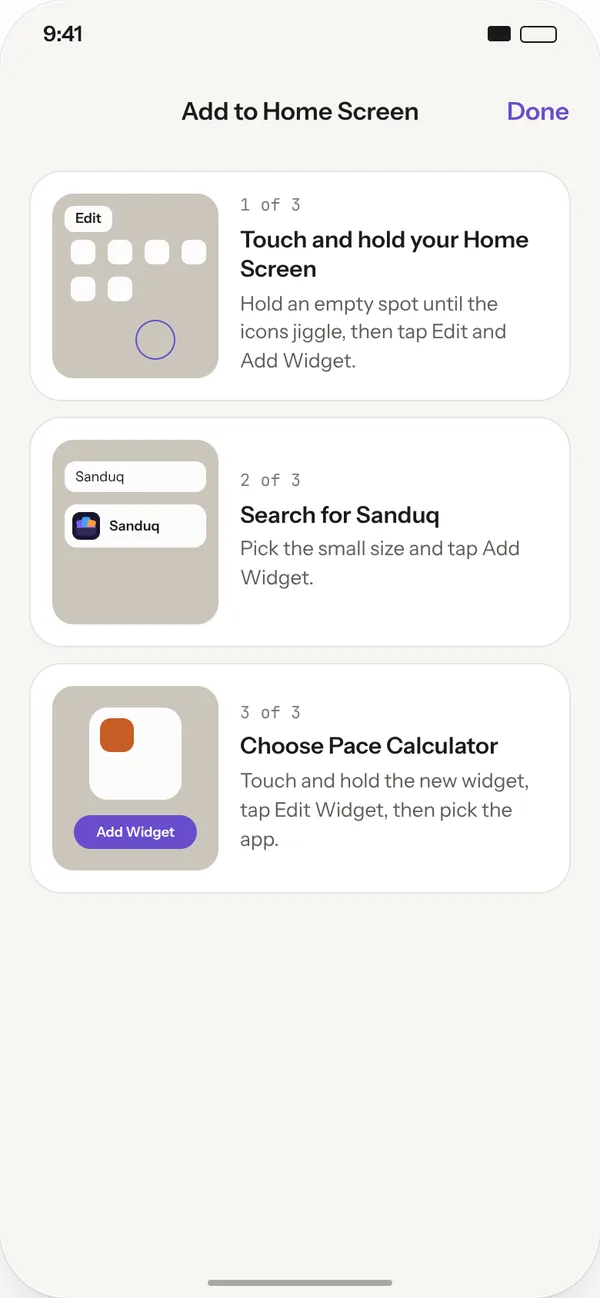
Putting it on your home screen
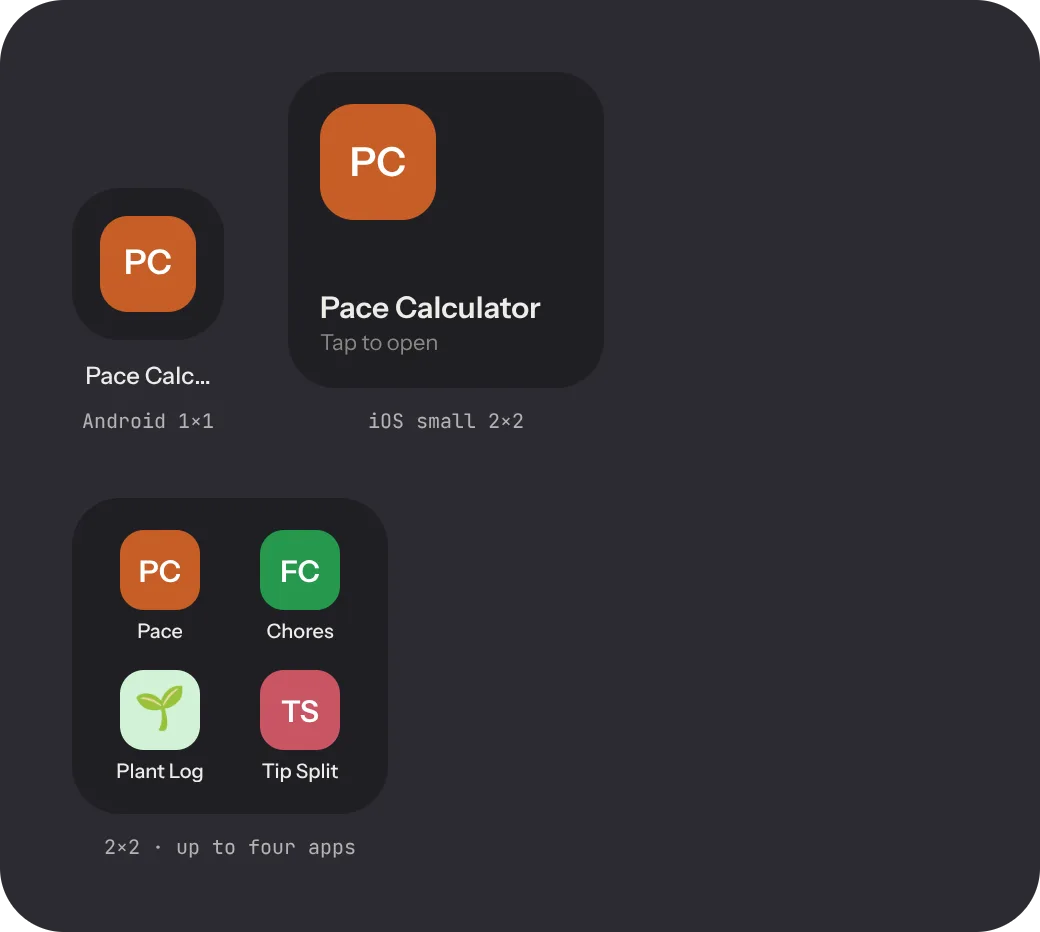
Looks right in dark mode too.
Widgets follow your phone's light or dark setting, so your app icons stay the brightest thing on the screen.
Join the waitlist