A file goes in. An app comes out.
Ask your AI for "a single HTML file", get it onto your phone, and Sanduq does the rest. Here's what happens along the way.
Four ways in
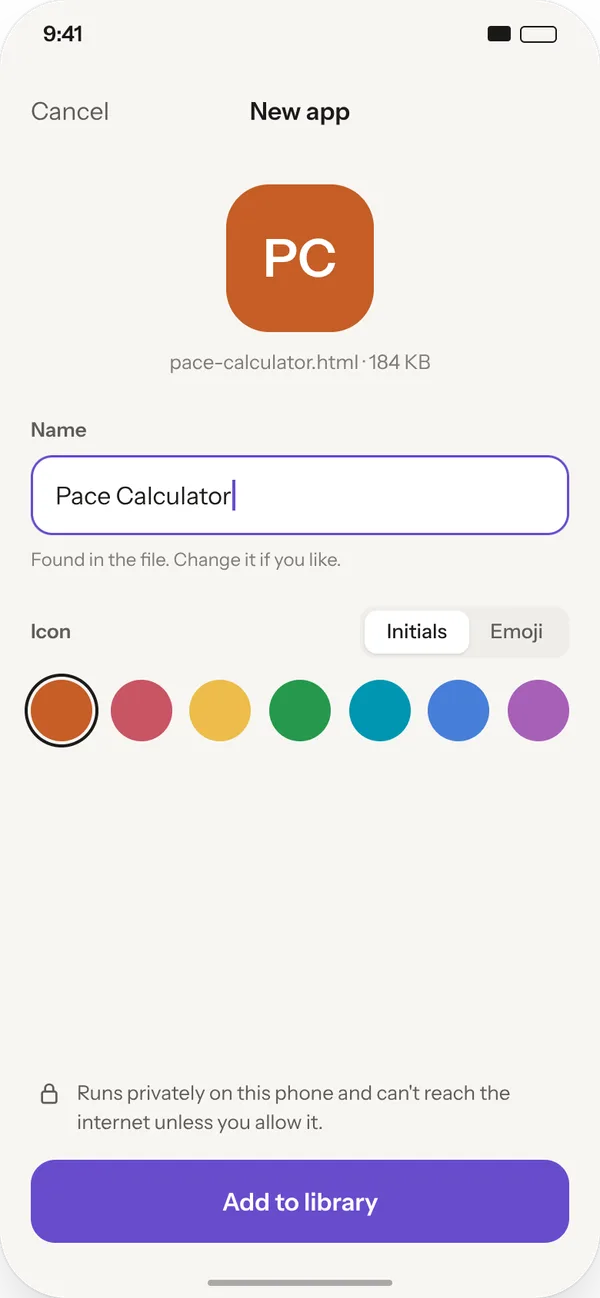
It picks a name. You pick the look.
Sanduq reads the app's title and makes an icon from its initials. Swap the colour, choose an emoji, or rename it before it lands in your library.
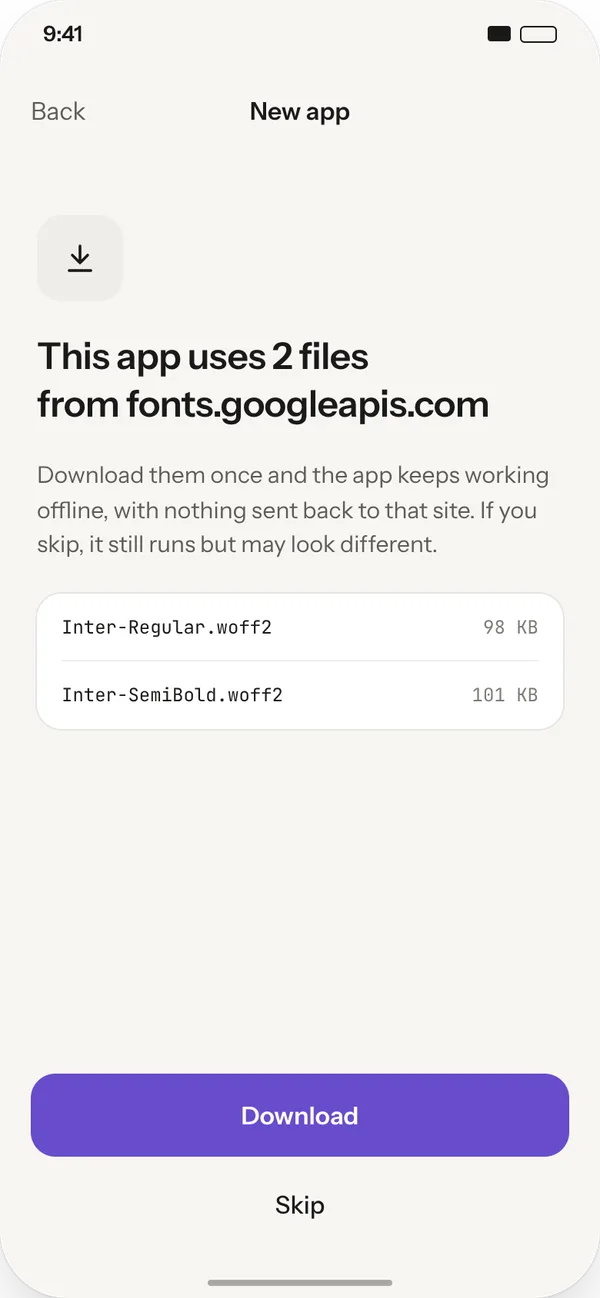
Fonts and libraries come along.
Plenty of AI-made apps borrow a font or a chart library from the web. Sanduq tells you which site they come from and offers to download them once, so the app keeps working offline.
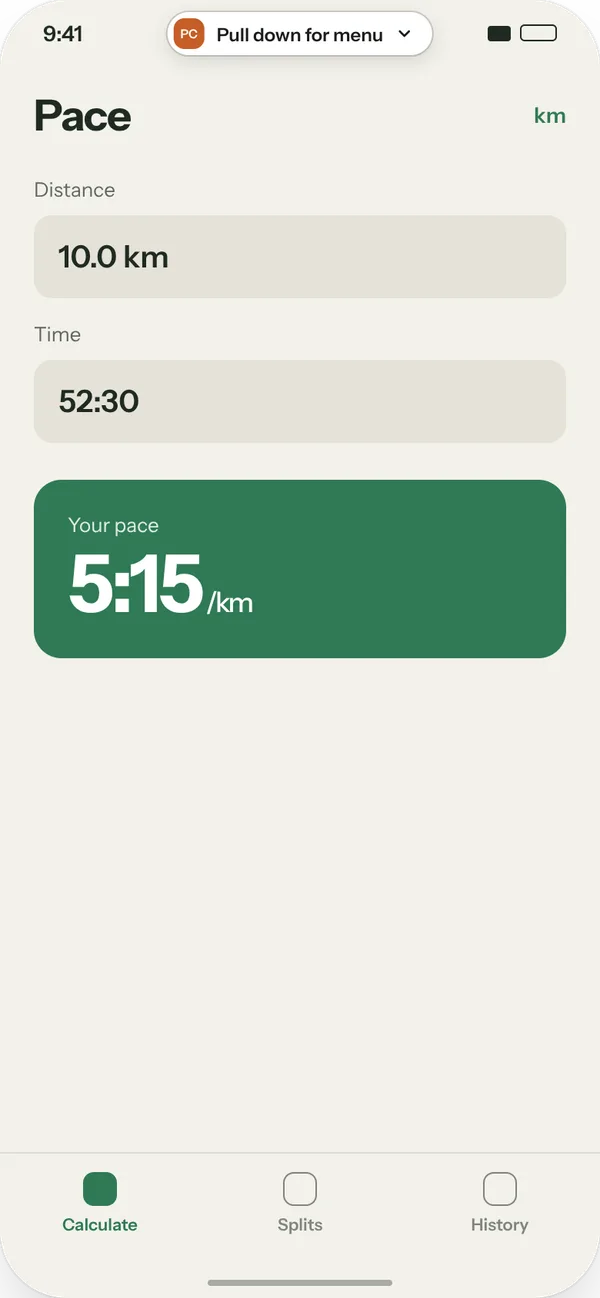
Full screen, edge to edge.
Your app gets the whole screen. Sanduq shows a small handle for a moment at launch, then disappears. It never sits over the app's header or its bottom tabs.
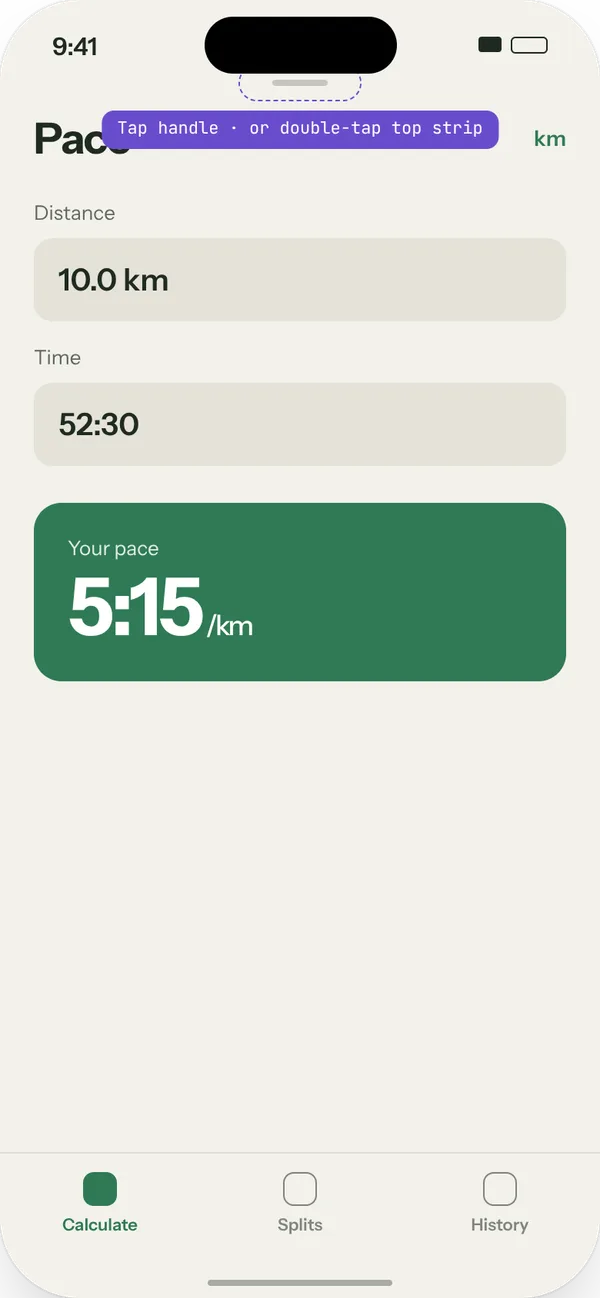
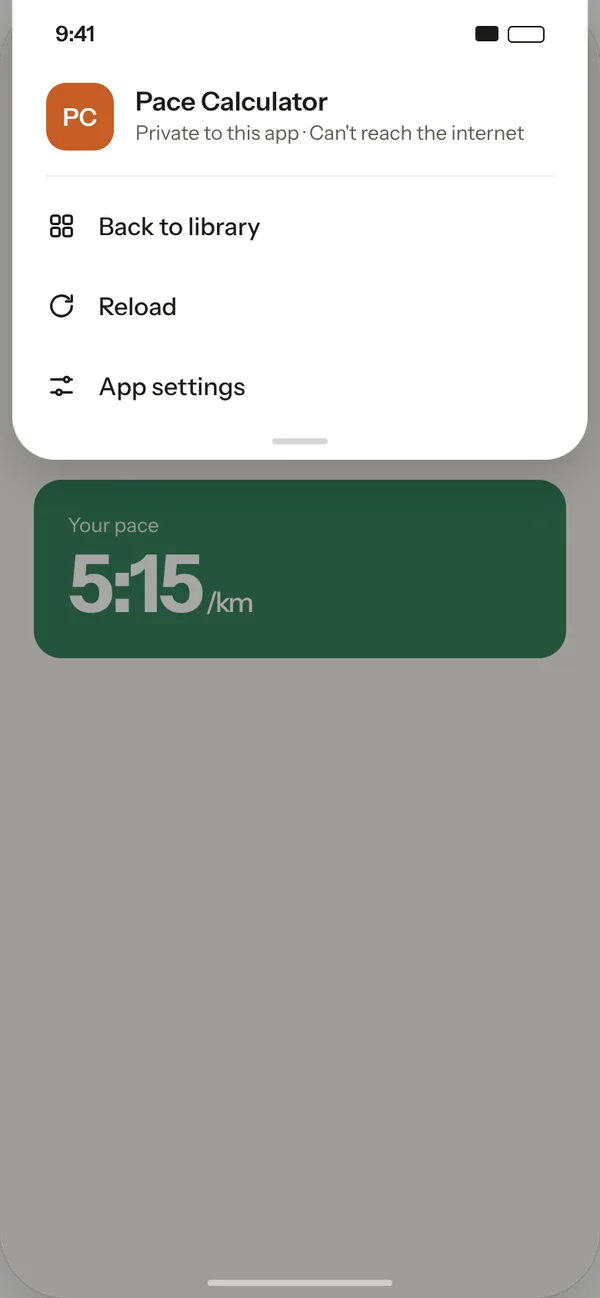
Everything else lives one pull away.
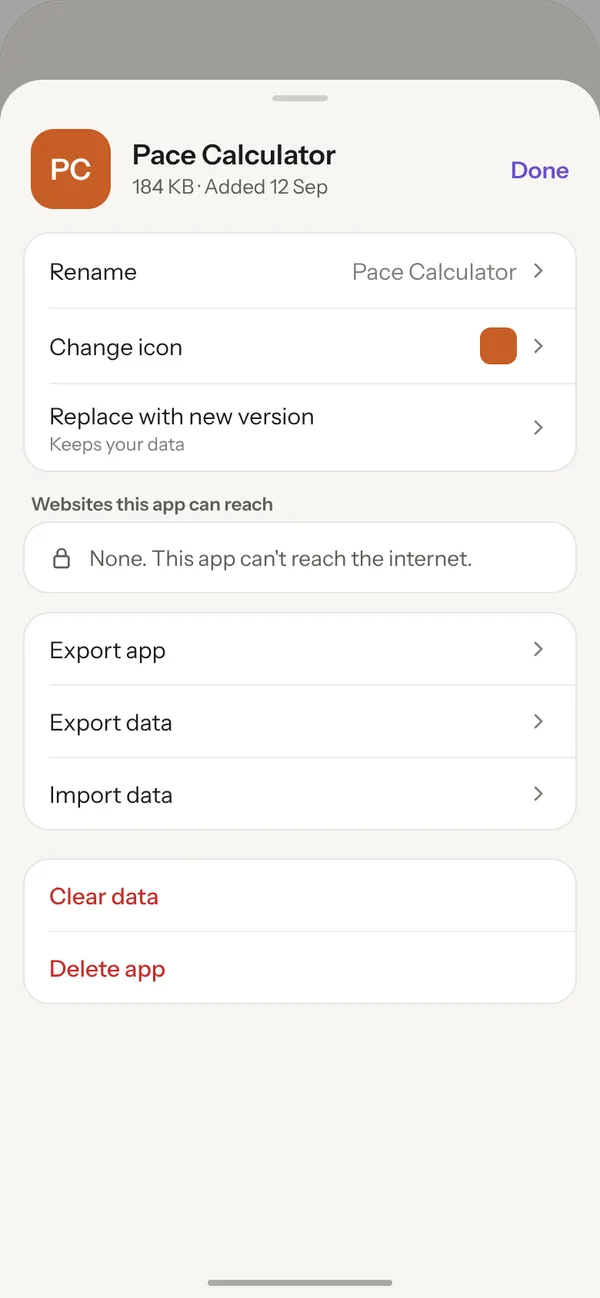
Back to library, Reload and App settings. In settings you can rename, change the icon, choose which websites the app can reach, export it, or drop in a new version.
Live tools sit right next to your apps.
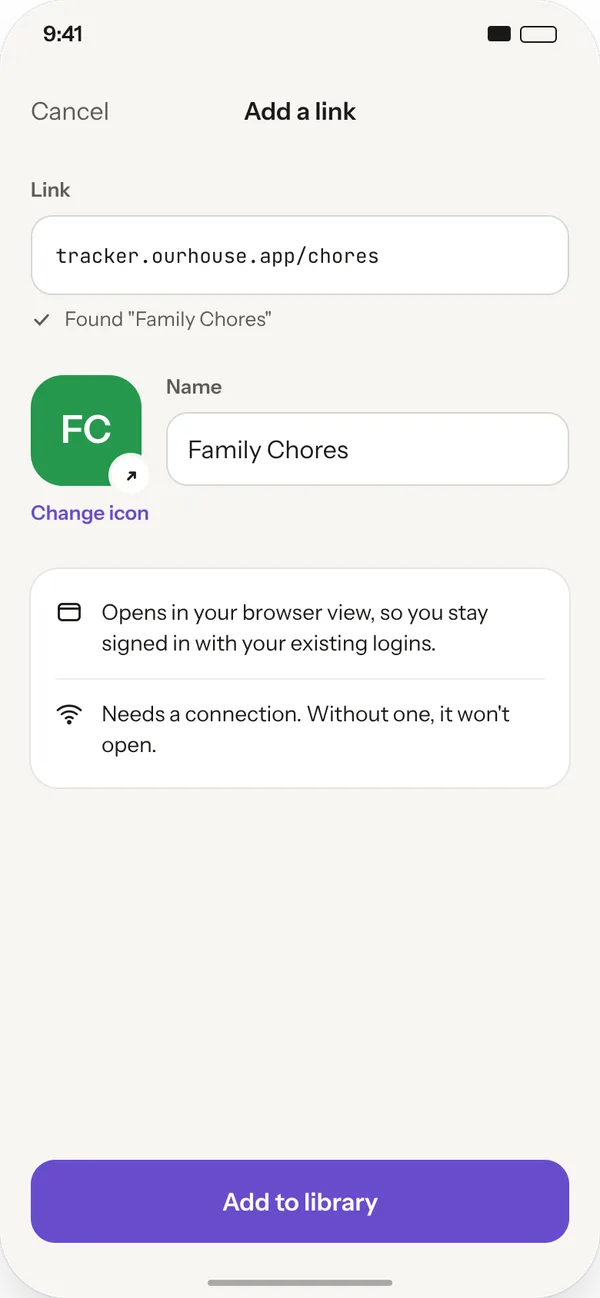
Add a link to something that lives on the web, like your family's shared chore tracker. It opens in your browser view so you stay signed in. A small arrow badge marks it as needing a connection.